AMD Ryzen & The Case of the Ghostly USBs
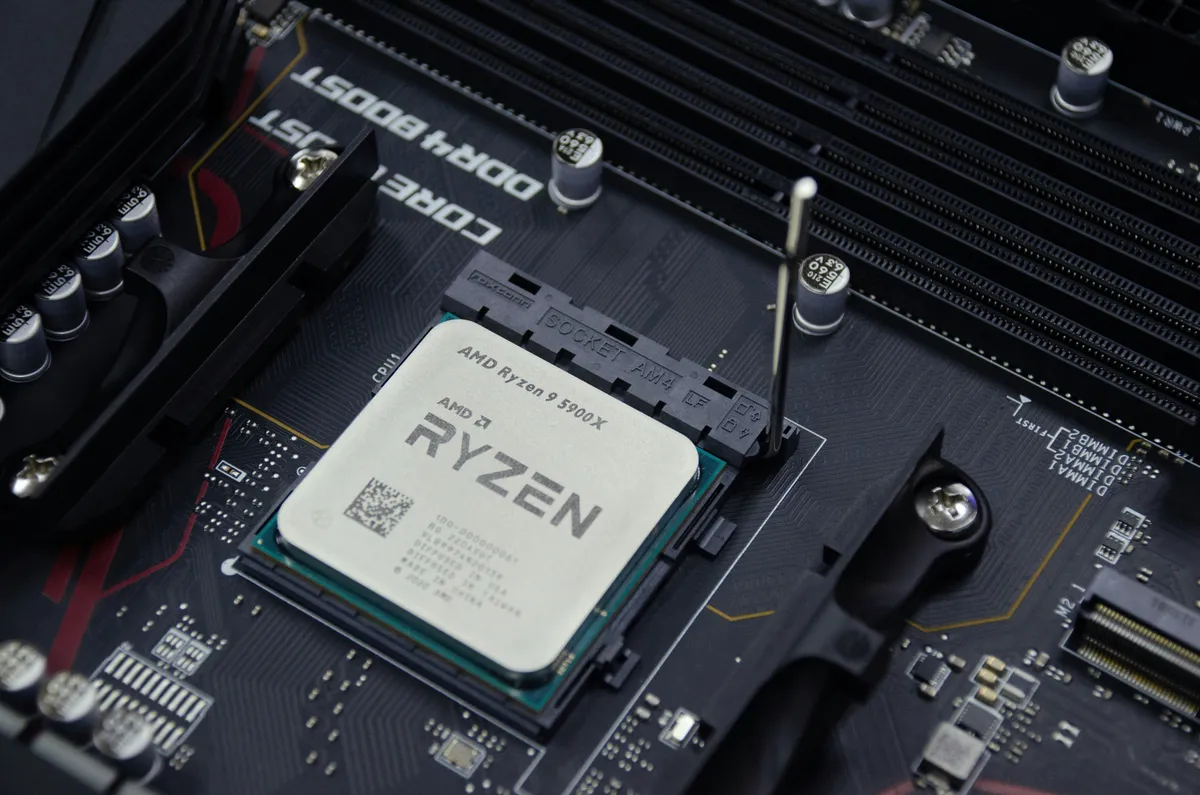
Let’s talk about a rather fascinating, if frustrating, edge case that plagued the PC building community for a while: the unstable USB connectivity on B550/X570 platforms paired with Ryzen 3000 and 5000 series processors.
I encountered this anomaly personally during a recent build. On the surface, everything seemed nominal. Windows 10 installed without protest, benchmarks ran within expected parameters, and thermals were solid. But then, the ghosts arrived.
About 10 to 15 minutes after every boot, the Windows USB connect/disconnect chime would sound. Randomly. Incessantly. It wasn’t just an auditory annoyance; my AIO cooler, which relies on a USB header for telemetry and control, would flicker in sync with the chimes. The pump was effectively power-cycling its logic board.
Naturally, I assumed I had made a mistake.
The Spiral of Troubleshooting
My approach to debugging is typically systematic: isolate variables until the outlier remains.
Hypothesis 1: Faulty Peripheral I suspected a bad cable or a rogue device. I fired up USBLogView from NirSoft—a tool that prioritizes utility over aesthetics—to monitor the bus. The logs were inconclusive, showing sporadic disconnects across all devices, and occasionally even the USB Host Controllers themselves dropping out.
Hypothesis 2: Defective Motherboard If the controller is dropping, the board must be bad. I acquired a second B550 board from a different supplier to rule out a bad batch. I performed the transplant, re-applied thermal paste (the zen of building), and fired it up. The result? The exact same behavior.
Hypothesis 3: Power Delivery Paranoia set in. Was the AIO drawing too much power? Was the rail unstable? I swapped the AIO for a traditional air cooler, eliminating the USB power draw entirely. The issue persisted with other devices.
The Breakthrough
I turned to the hive mind. Searching for generic terms like “USB disconnect” is usually a recipe for finding basic “update your drivers” advice, but I dug deeper. A colleague eventually pointed me toward discussions regarding PCIe 4.0 signal integrity on B550 chipsets.
It sounded implausible, but in debugging, you must eventually test the implausible. I entered the BIOS and forced the PCIe link speed down to Gen 3.0.
Silence. The disconnects stopped. The system was stable.
I had fixed it, but at the cost of crippling the platform’s main selling point: Gen 4.0 speeds. It was a workaround, not a solution, but it confirmed the issue lay deep within the architecture, not my hardware.
The Real Fix: AGESA 1.2.0.1 Patch A
Validation came months later. AMD acknowledged the issue was related to the microcode handling of the chipset’s connectivity. They released AGESA V2 PI 1.2.0.1 Patch A.
If you are reading this from a time capsule and wondering why your retro Ryzen rig is acting possessed:
- Check your BIOS version.
- Look for AGESA V2 Patch A (or newer).
- Flash it.
It’s a reminder that even at the hardware level, code is law. And sometimes, that code has bugs.