The Best Windows Laptop Was a MacBook
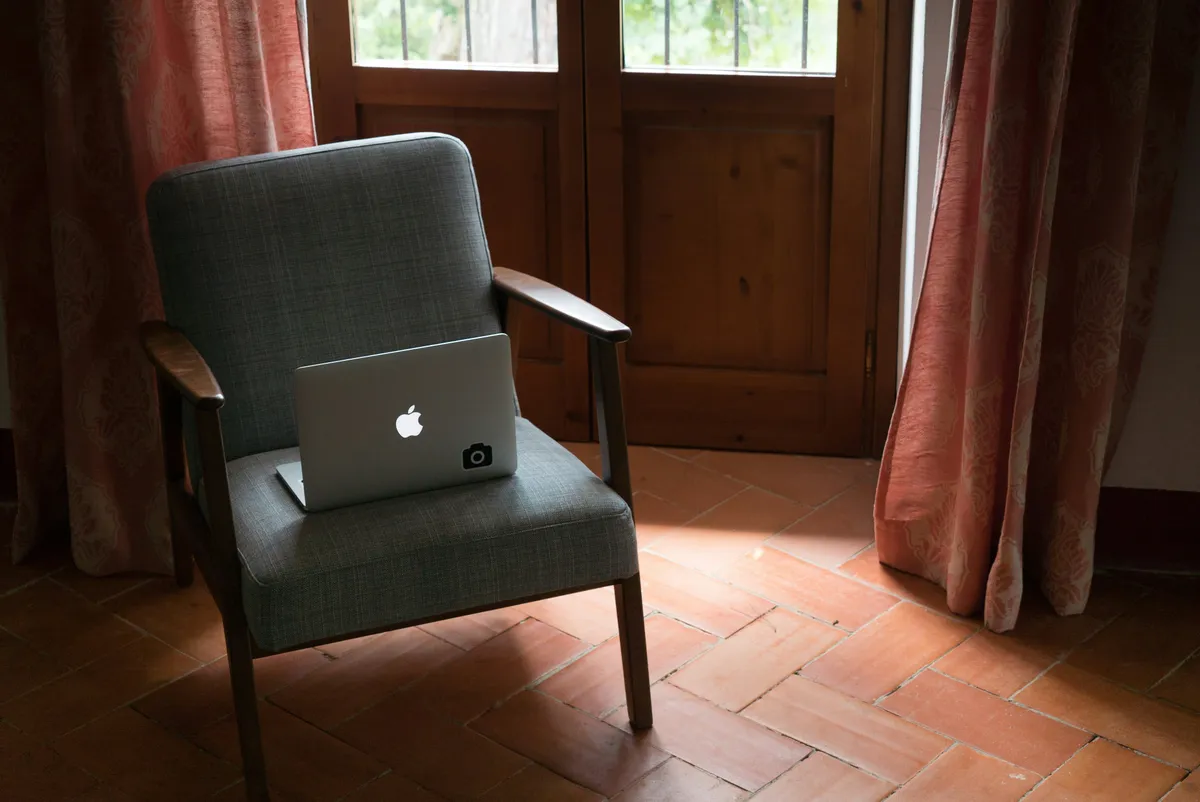
I am not an Apple “fanboi,” but credit where credit is due: the industrial design of the unibody MacBook Pro was peak laptop.
Back in the Intel era, my work issued me a 2019 MacBook Pro 13” with a Core i7. Compared to the plastic-fantastic gaming brick I came from, it was sleek, rigid, and dense. But my OS of choice was (and often still is) Windows.
Enter Boot Camp.
The Compromise
For years, Boot Camp was the bridge. It allowed us to run Windows natively on Apple hardware without virtualization overhead. It worked, mostly. You got a bootloader, some basic drivers, and a functional OS.
But you also got:
- Thermal throttling that could melt steel beams.
- Battery life that could be measured in minutes.
- The Trackpad.
Apple’s trackpads are the gold standard. Windows trackpad drivers… aren’t. Out of the box, a Boot Camp Windows installation treats that glorious glass surface like a generic PS/2 mouse.
The Fix
The hero we needed was @imbushuo.
They maintained a GitHub project that brought Microsoft Precision Touchpad drivers to the Mac hardware. Suddenly, gestures worked. Scrolling was smooth. The “best Windows laptop” actually felt like one.
The Process
If you are still rocking an Intel Mac and want to relive the glory days:
- Boot Camp Assistant: It’s in your Utilities folder. Let it download the support software.
- Partition: Be generous. resizing later is a nightmare of partition table surgery.
- Install: Let it do its thing.
- Drivers: Install the specific Boot Camp drivers, then immediately override the trackpad driver with the Precision one.
It was a strange, beautiful era of computing that Apple Silicon killed off. But for a brief moment, we had it all.